Document your EMDR sessions in minutes
Clinical templates, automatic notes via transcription, and previous session context in your sidebar. EMDR targets, SUD/VOC scores, and ICES events. With patient consent.
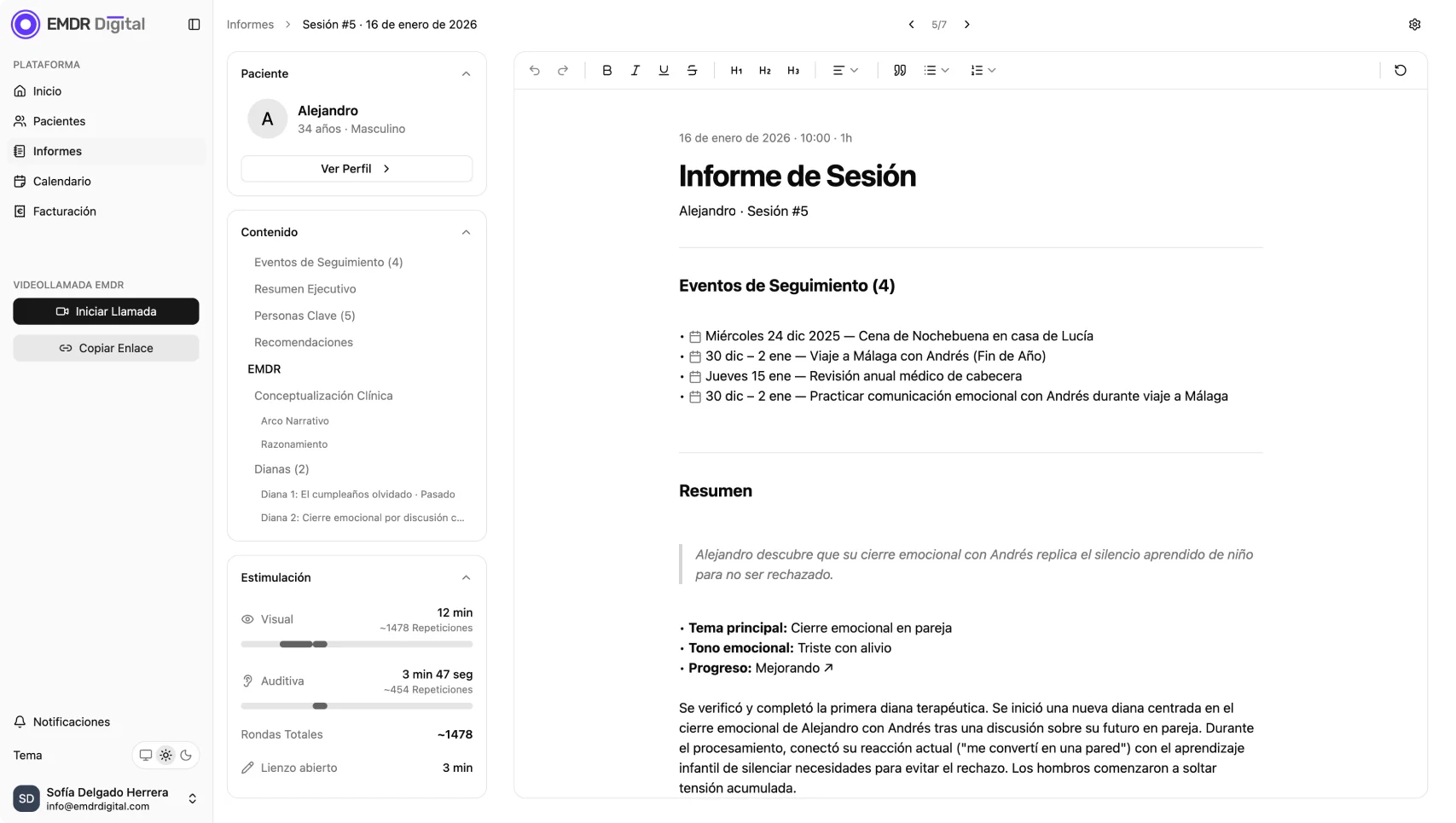
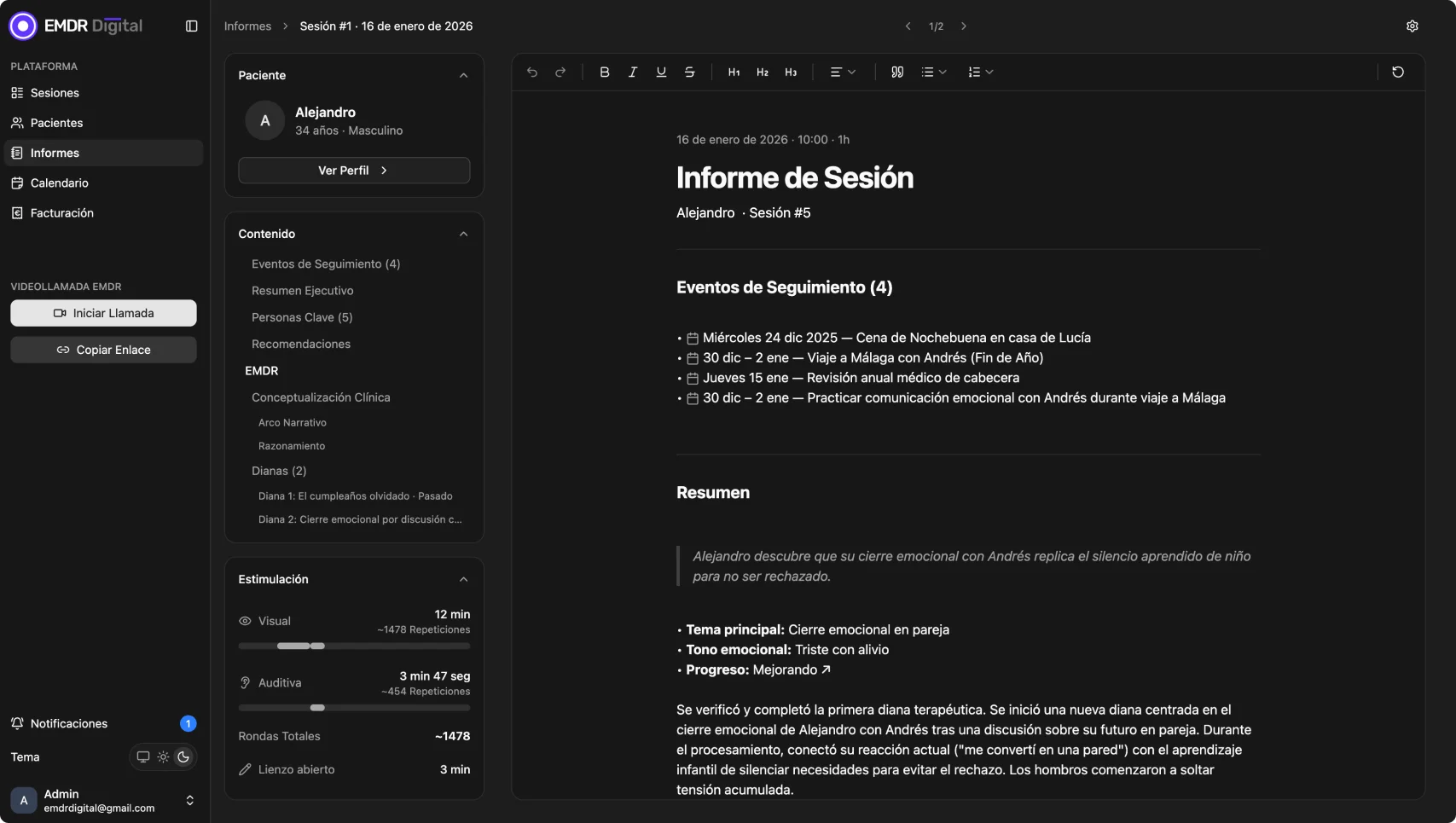
Less documentation, more therapy
Spend your time on therapy, not documentation. Two ways to record each session:
Clinical templates
Fill in only the essentials with templates adapted to your workflow.
Automatic notes
The system generates clinical notes from the transcription, when the patient has given consent.
Clinical templates
Document at your own pace, with structure
Structured templates that adapt to your workflow. Fill in only the essentials after each session, with predefined fields for EMDR targets, cognitions, and follow-up events.
- Structured fields for targets, SUD/VOC, cognitions, and sensations.
- Use the EMDR belief list as a reference for cognitions during assessment.
- Adapt templates to your workflow: add, remove, or reorder sections.
- Clinical report ready to save without transcription or recording.
Automatic notes
From consent to clinical report
Patient consent
Before each session, the patient accepts or declines audio recording. Without consent, nothing is recorded.
Transcription with speaker identification
Full session text distinguishing therapist and patient. Processed in data centers in the European Union.
Immediate audio deletion
The audio file is automatically deleted after transcription is complete. Only text remains.
Editable clinical report
EMDR targets, SUD/VOC scores, and ICES follow-up events extracted automatically into an editable draft. Review, modify, and save in minutes.
Access restricted to therapist
Only the therapist responsible for the patient can view the transcription and report. No platform access.
Your next session
Pick up every session right where you left off
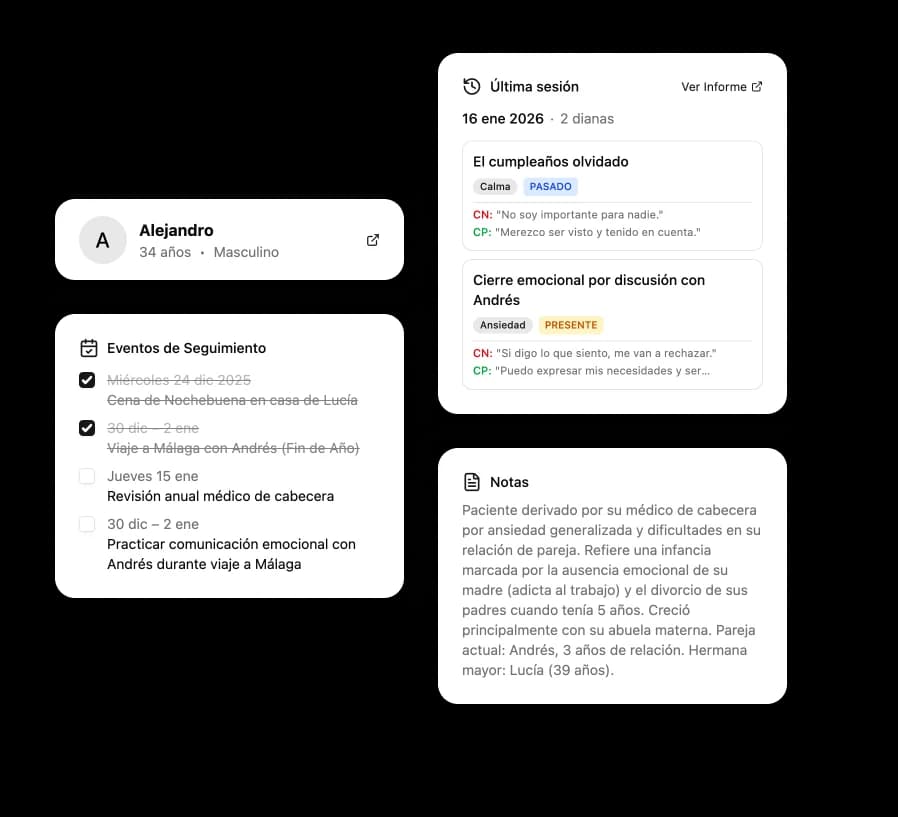
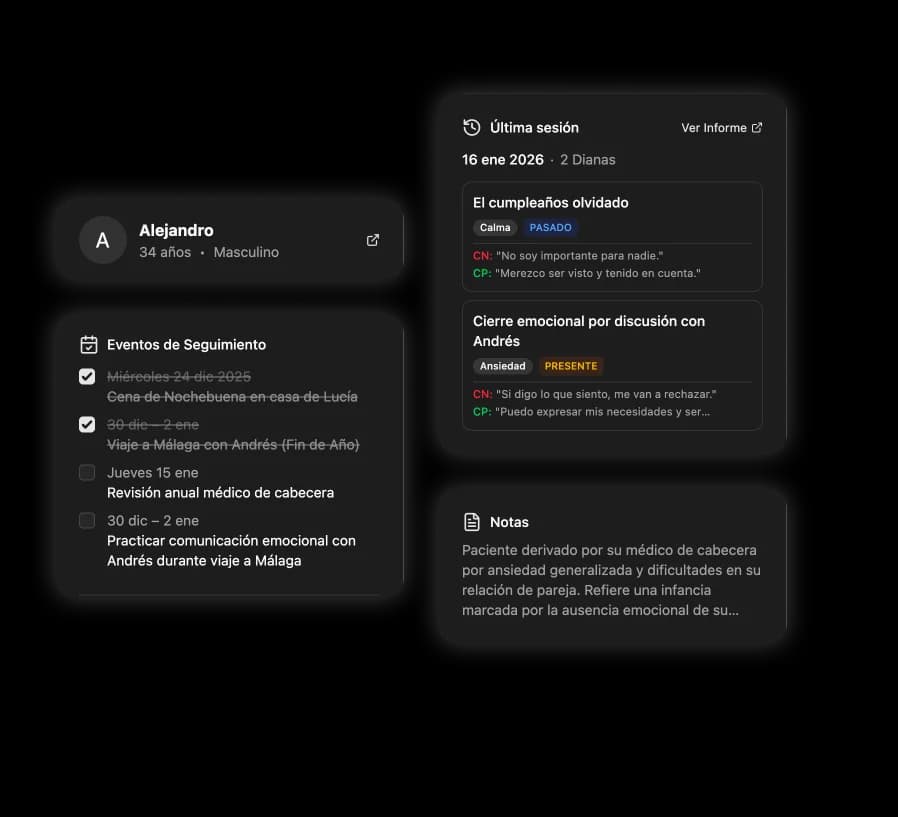
The sidebar summarizes what matters from the previous session before you begin. No searching through notes, no switching apps.
- Follow-up events with dates and completion checkboxes.
- EMDR targets summarized from the previous session with emotion, cognitions, and temporal orientation.
- Clinical notes and patient data visible during the video call.
- Full profile and previous session report one click away.
One quick question
Your therapist would like to transcribe this session to generate clinical notes. Do you give your consent?
Privacy
Privacy built into every step
Your patient decides. Before each session, a clear dialog lets them accept or decline recording. If they decline, the session continues unchanged.
- The decision is respected session by session: patients can change it at any time.
- The therapist cannot activate recording without patient consent.
- Without recording, the session continues with full functionality: video call, bilateral stimulation, and canvas.
Frequently asked questions
Early access
Reserve your spot as a founding therapist. Priority access and exclusive conditions.
No spam. Only important updates about the launch. Privacy policy