Everything you need in an EMDR session, in one place
No tab-switching. No loose tools. No compromising your patients' privacy.
Bilateral stimulation
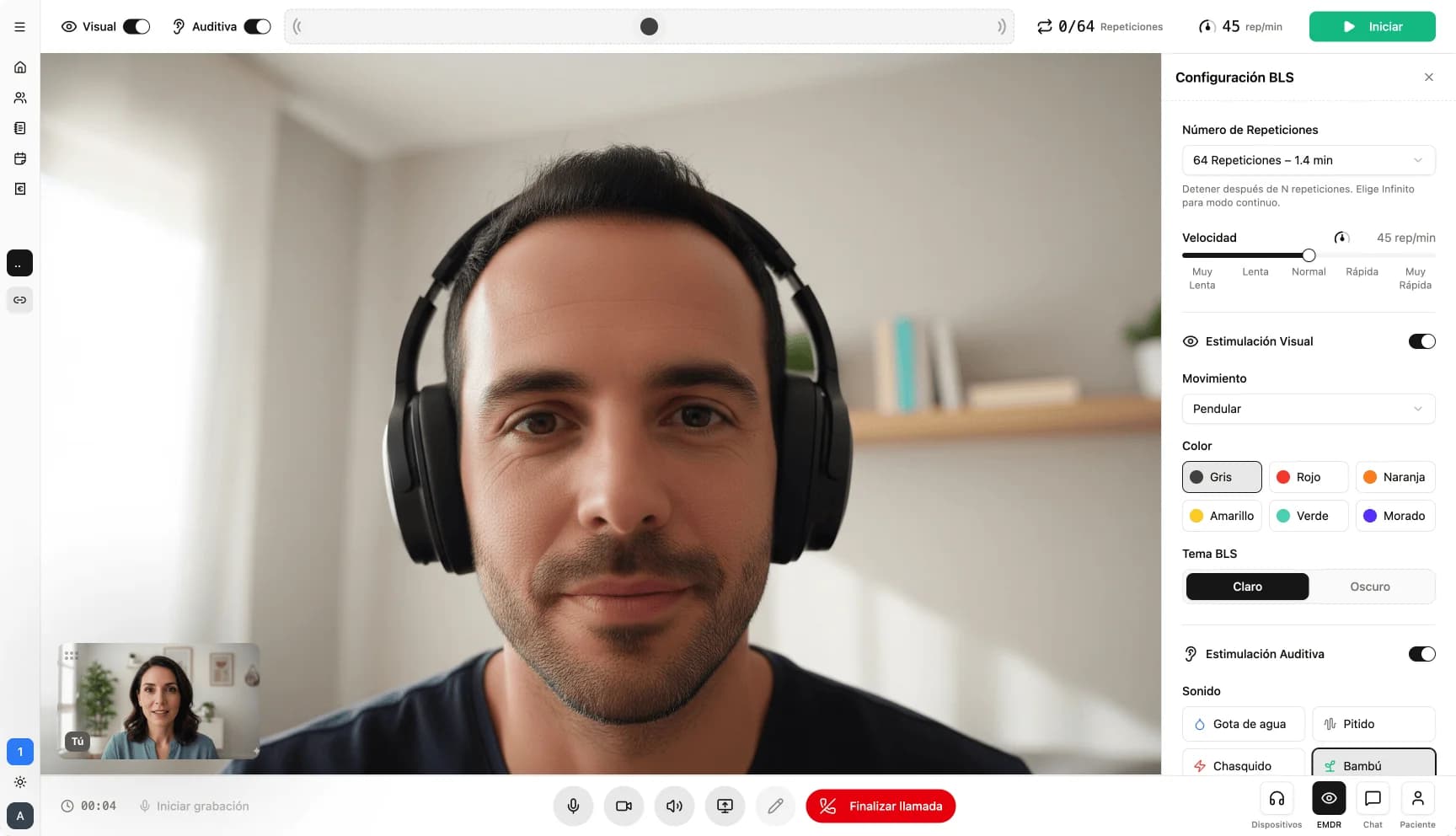
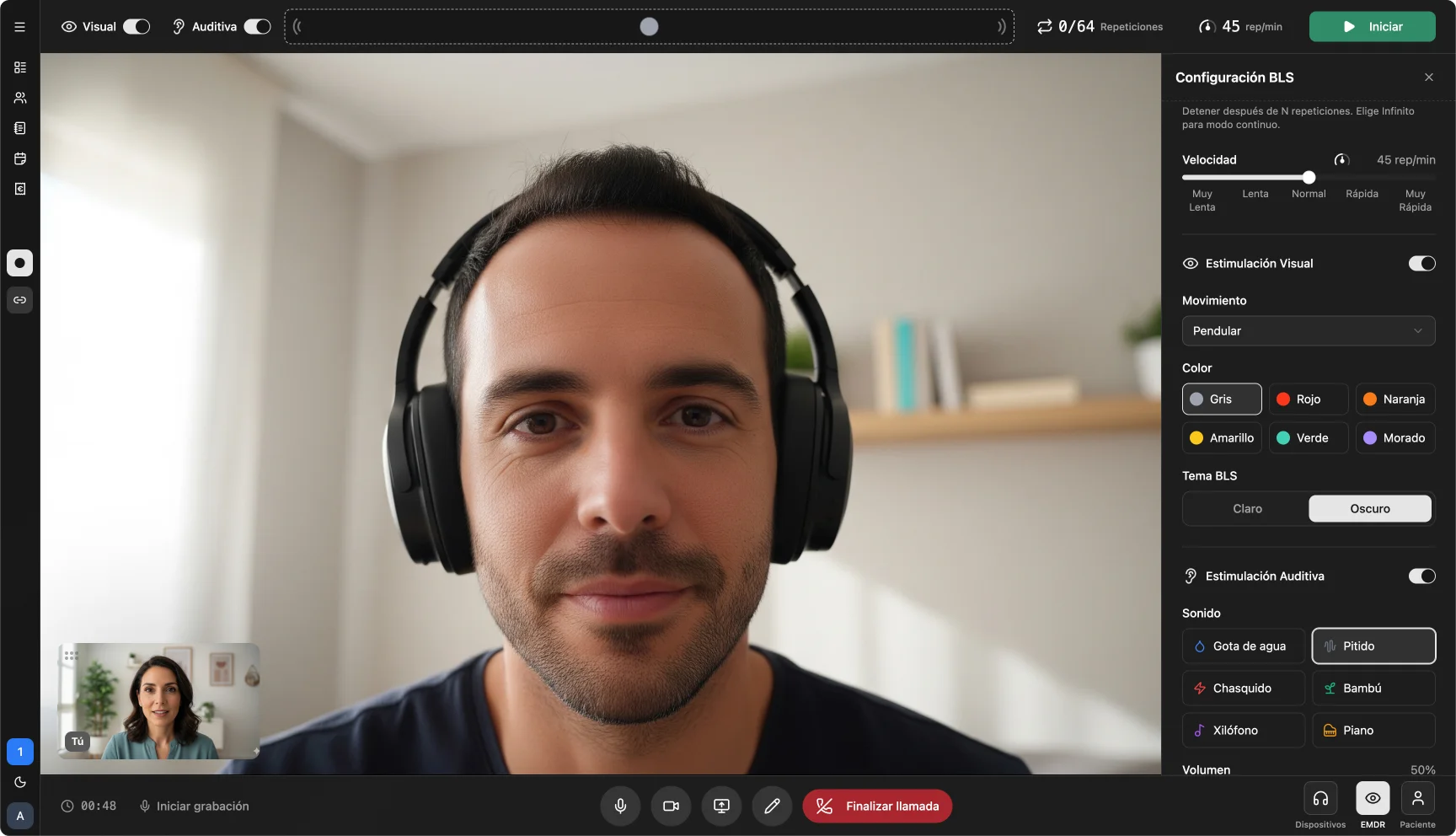
Bilateral stimulation integrated in the video call
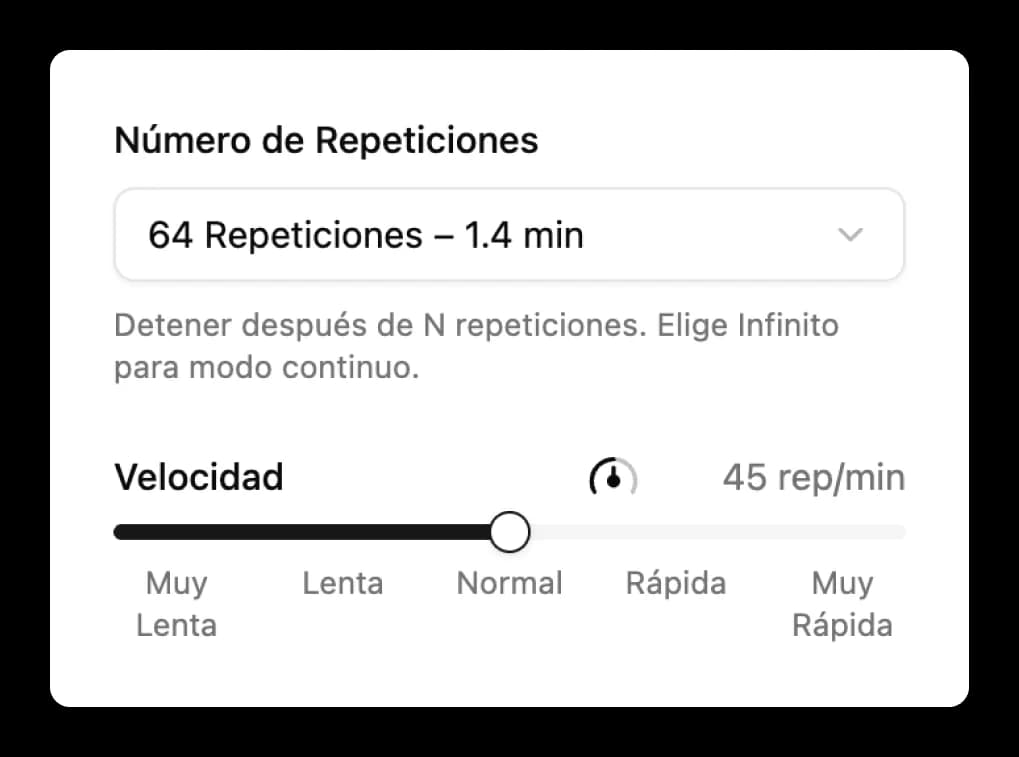
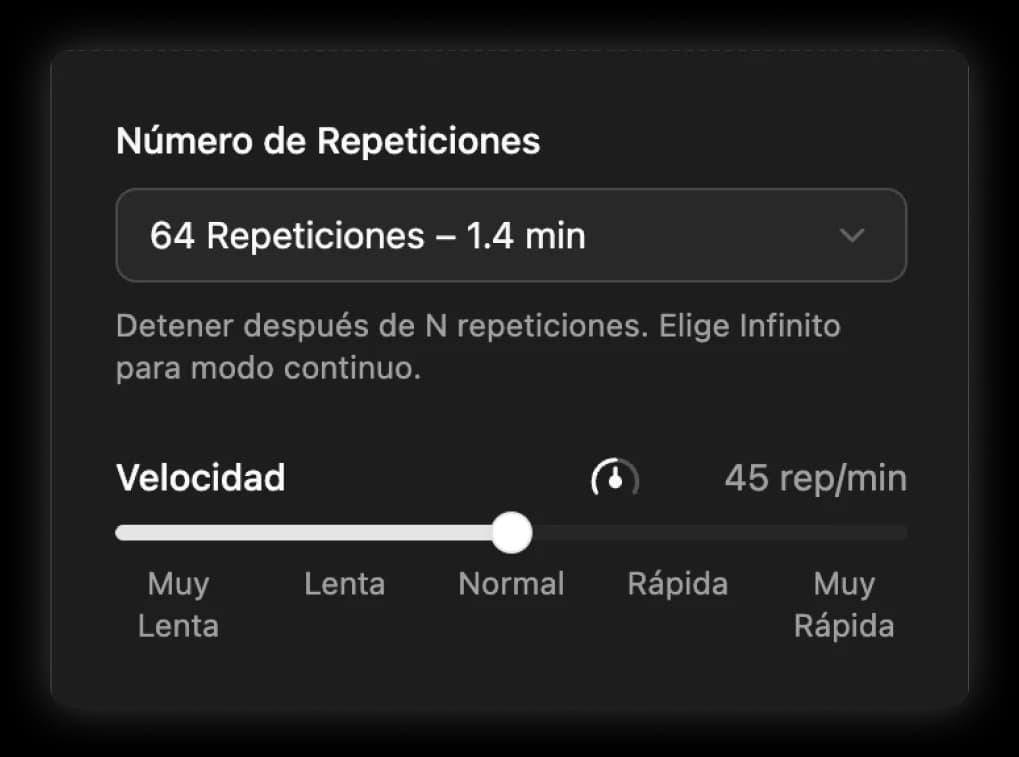
Visual, auditory, or combined. Speed, repetitions, color, and sound: all from your panel. Your patient only sees the stimulus, with no menus or distractions.
Between sessions, your patients can reinforce with guided exercises like the Butterfly Hug or Safe Place, available in our resource library.
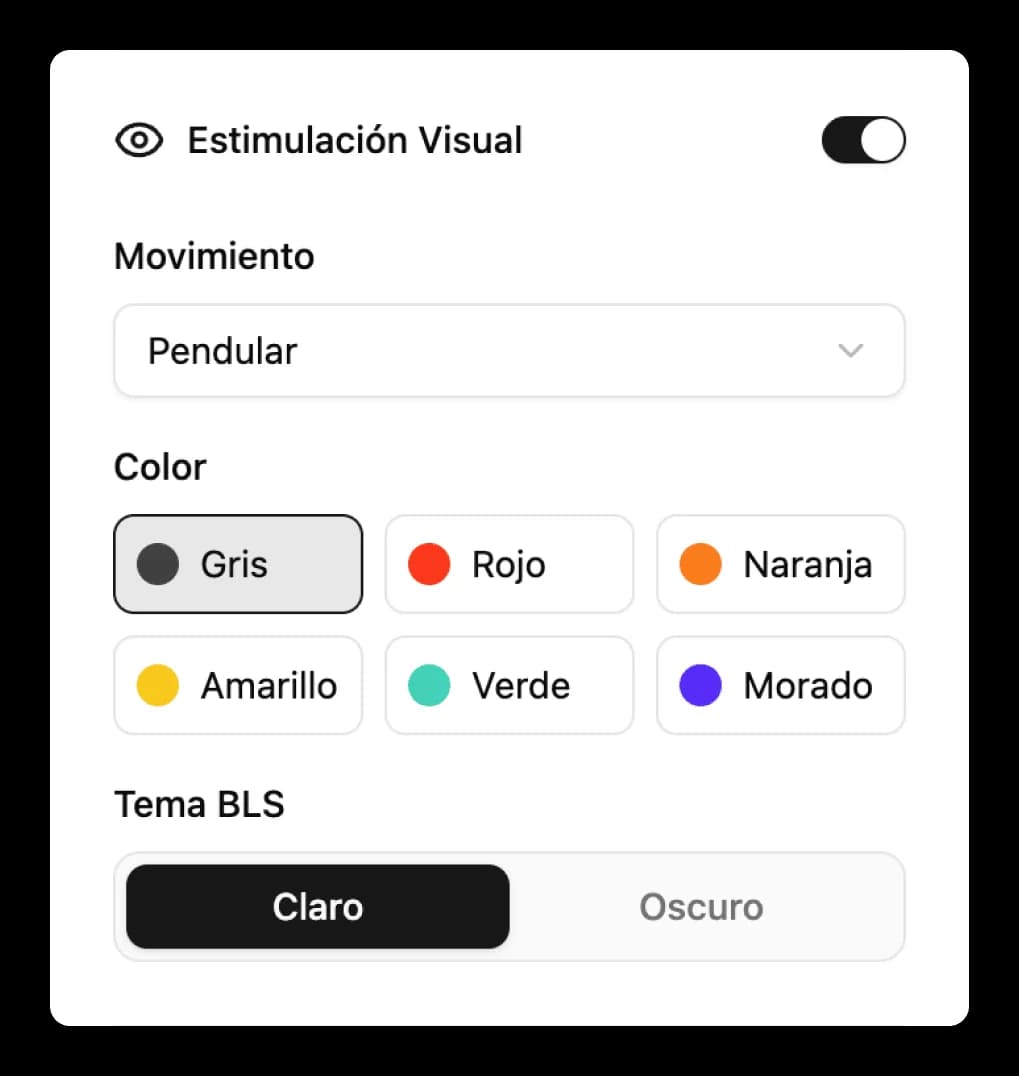
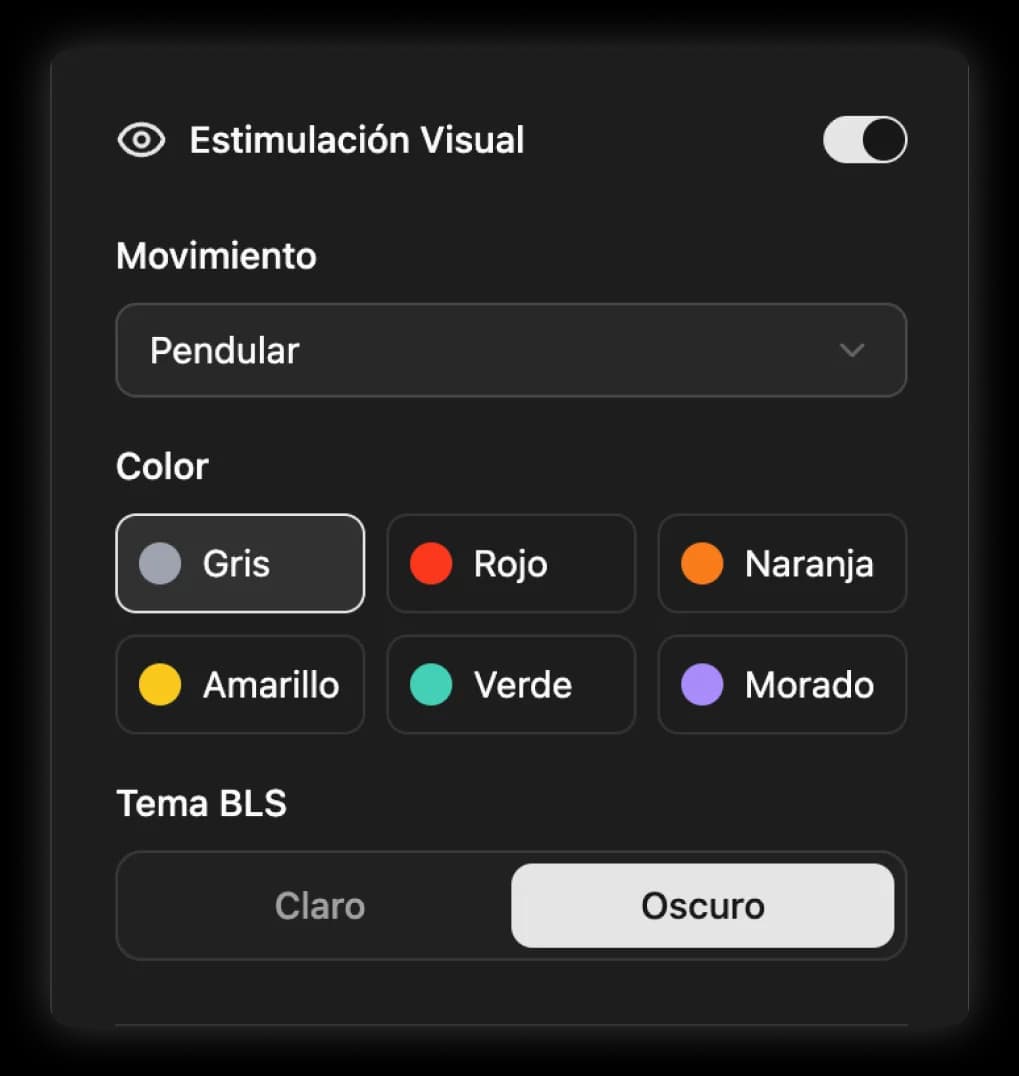
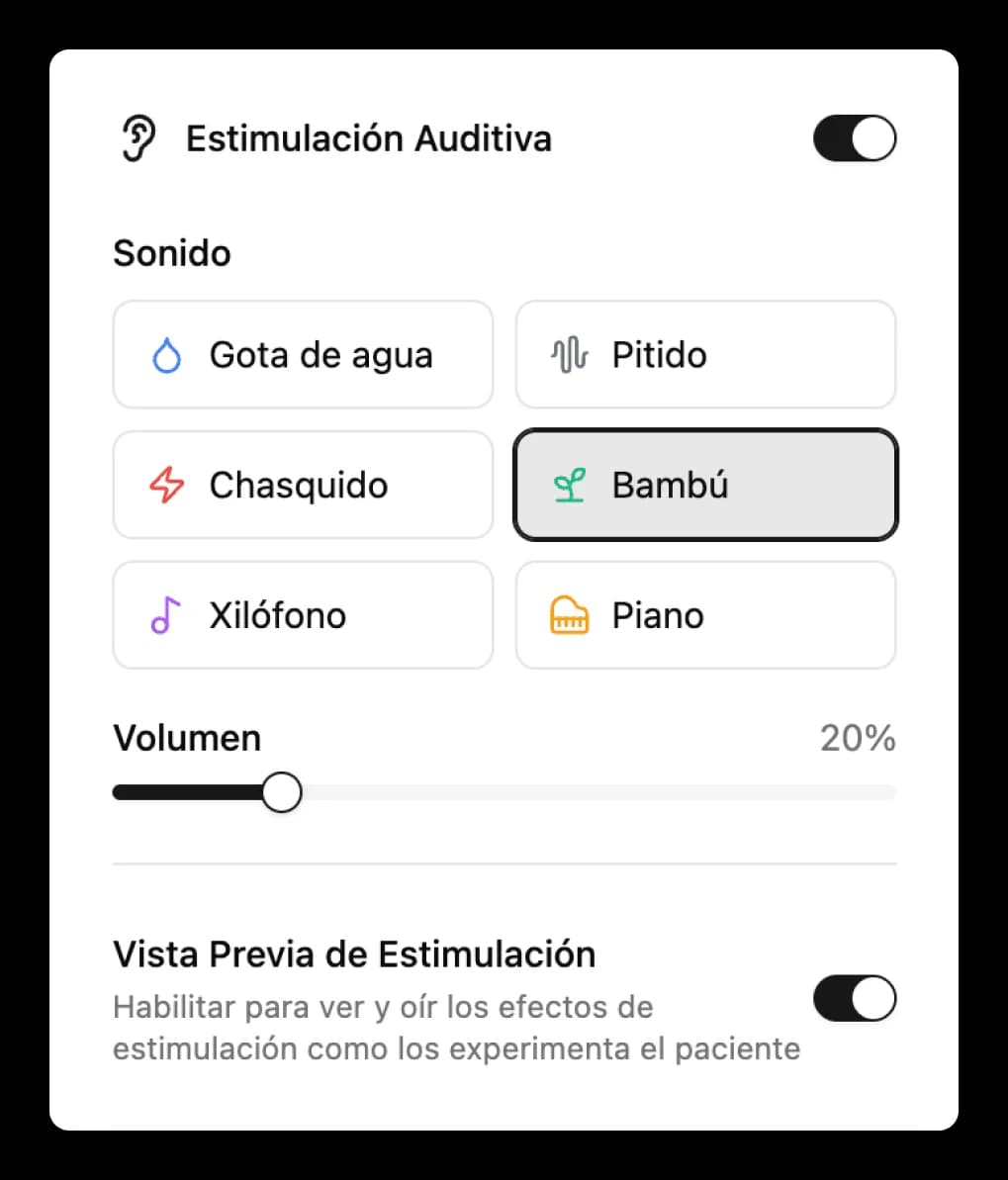
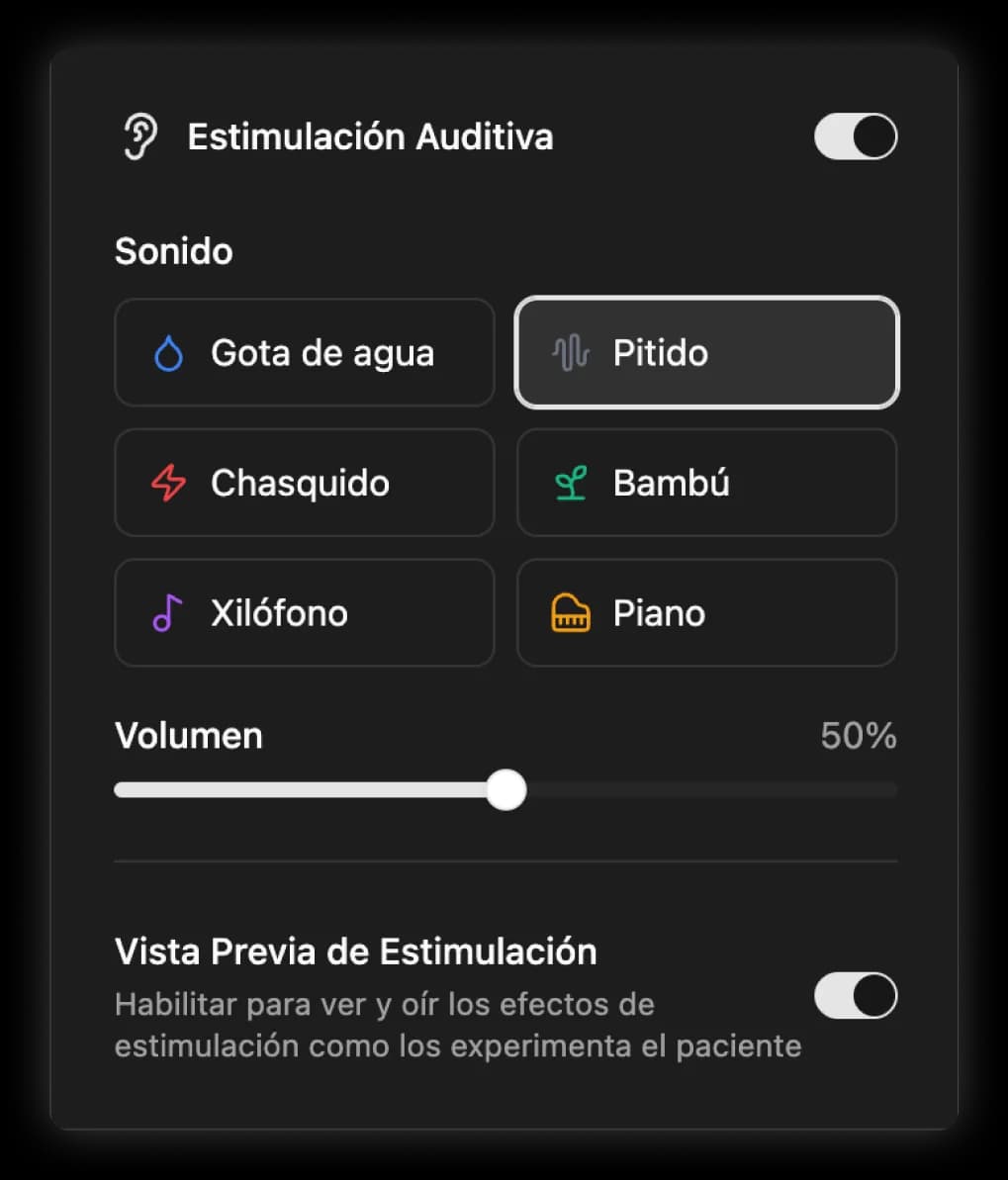
Device settings
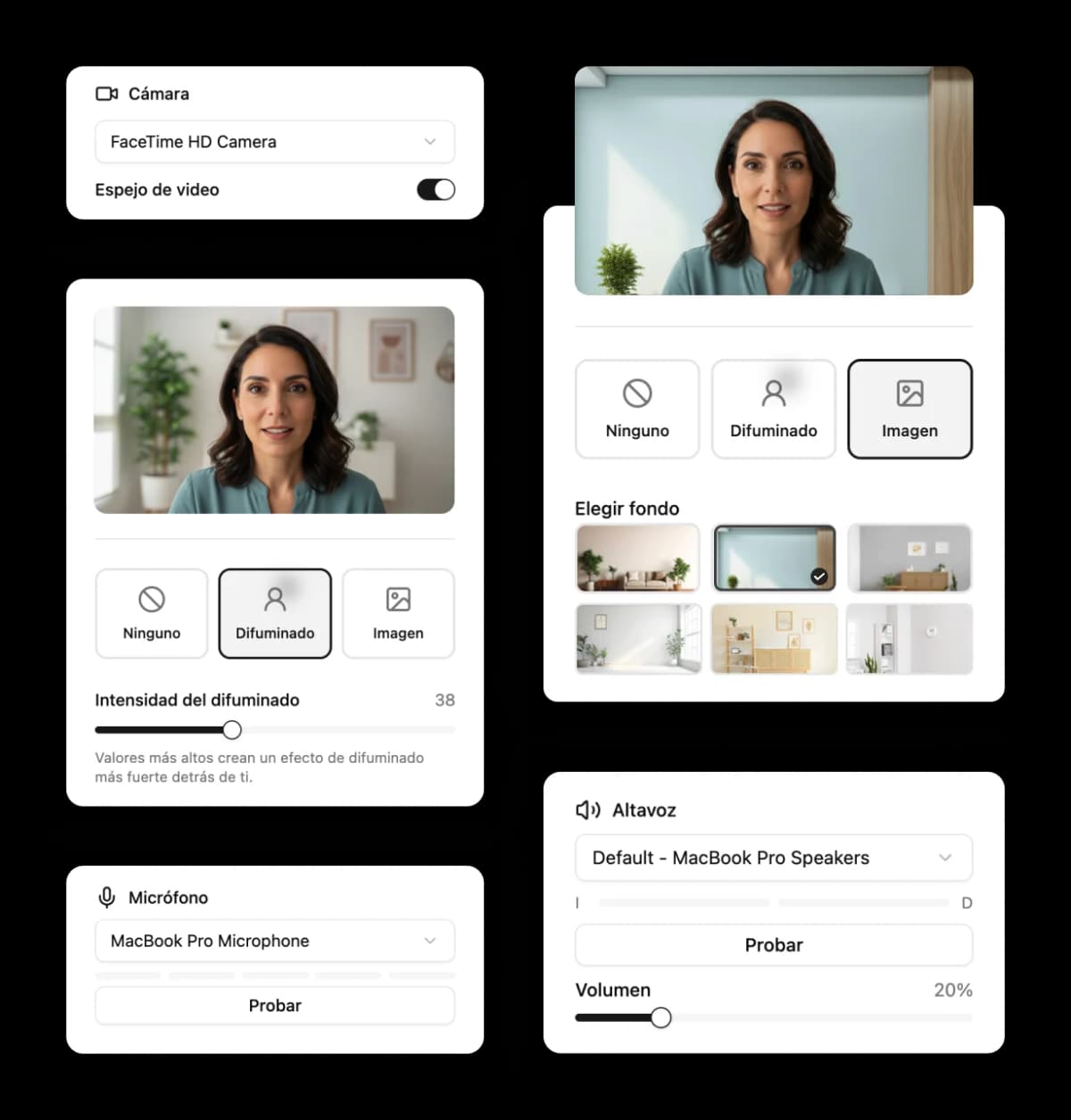
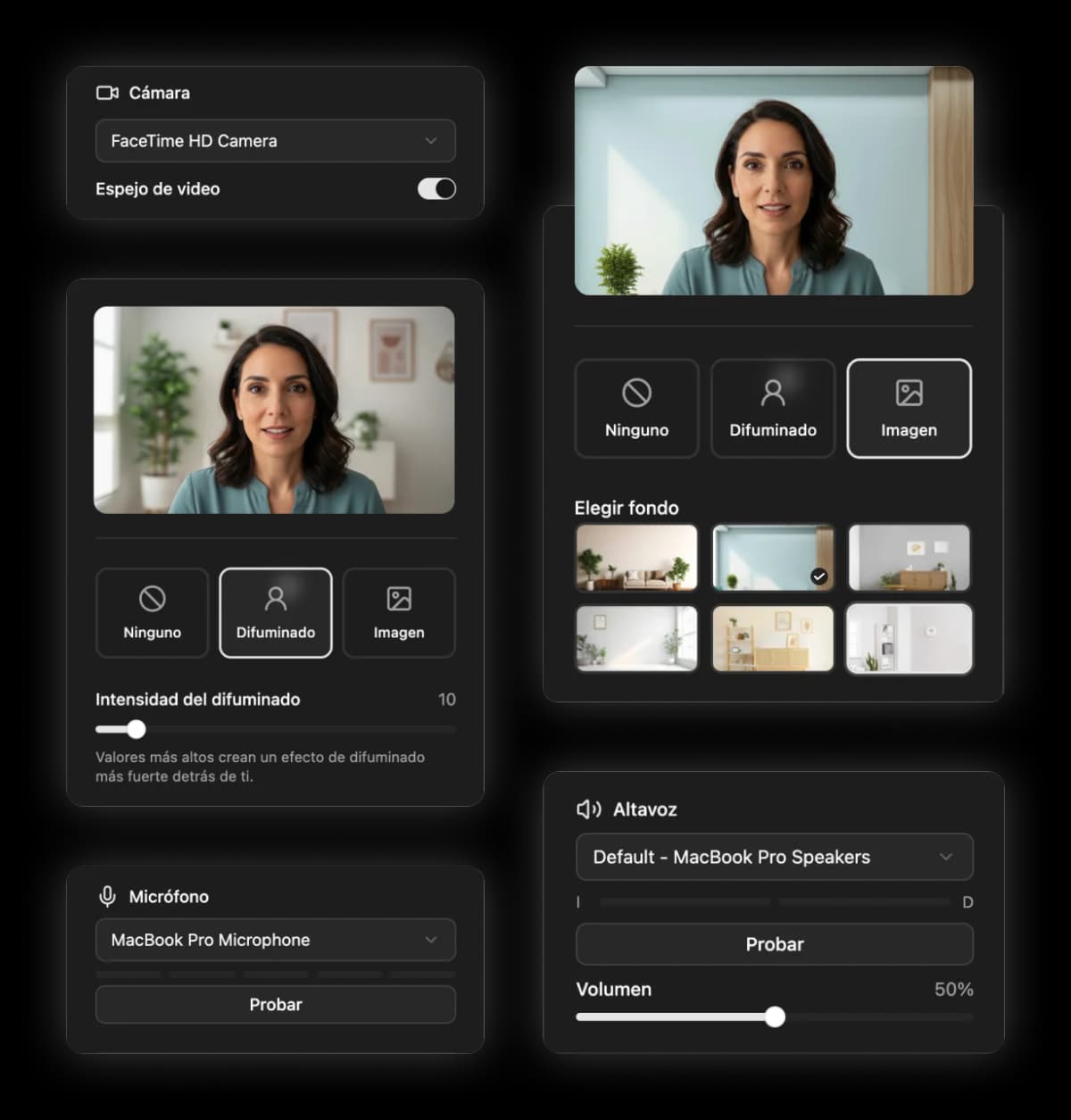
Professional video environment for every EMDR session
Therapist and patient set up the environment from the waiting room, before connecting. A professional backdrop for you, privacy for your patient.
- Background blur and virtual backgrounds for both participants.
- Test microphone and left/right speakers to verify bilateral audio.
- Camera and sound preview before entering the session.
Patient context
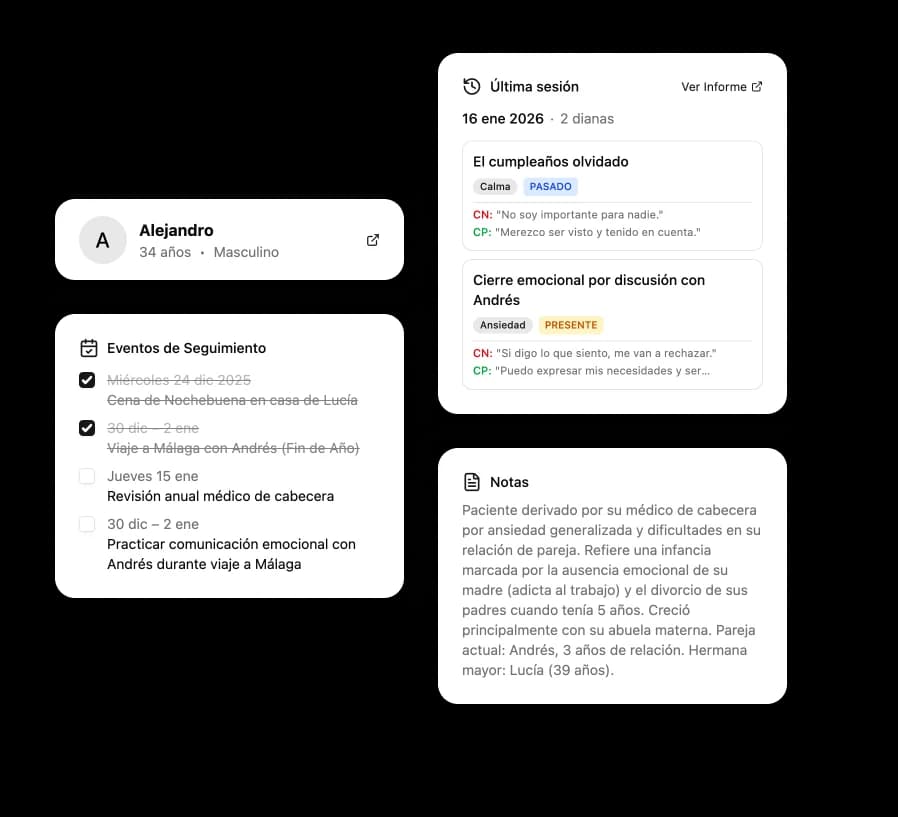
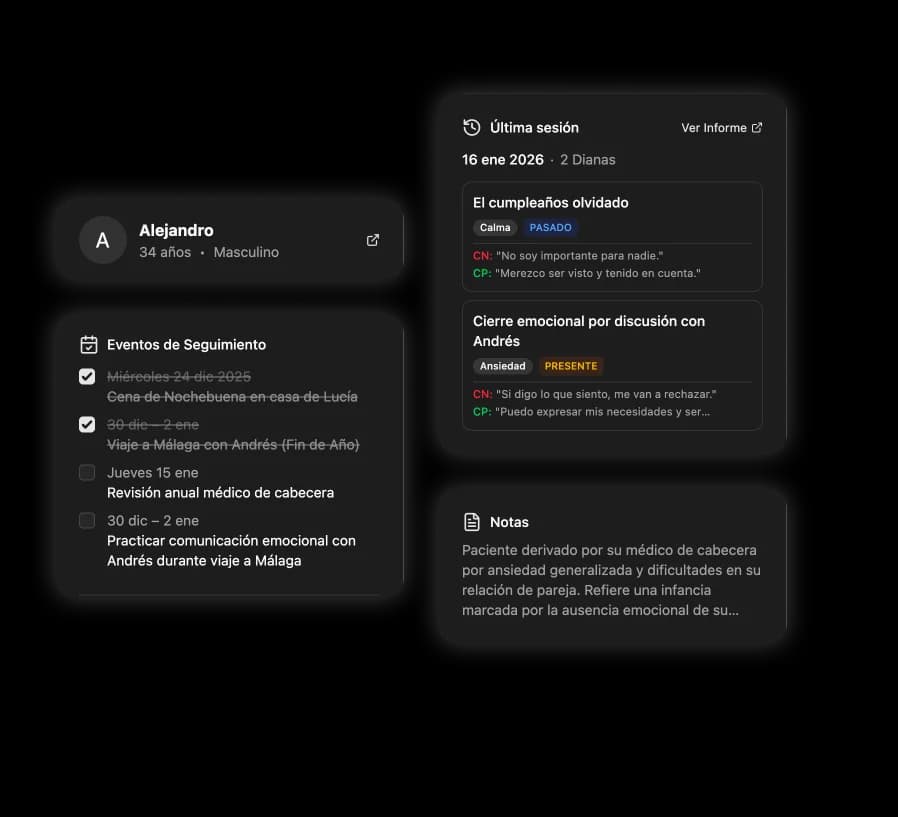
All patient information at a glance during the session
A sidebar integrated into the video call displays the patient's profile, clinical history, and notes. Accessible without leaving the session.
- Full patient profile: demographics, diagnosis, and general notes.
- Session history with direct access to each report.
- Follow-up events with dates and completion checkboxes.
- Access the EMDR belief list to identify Phase 3 (Assessment) cognitions.
- Opens and closes without interrupting the video call or bilateral stimulation.
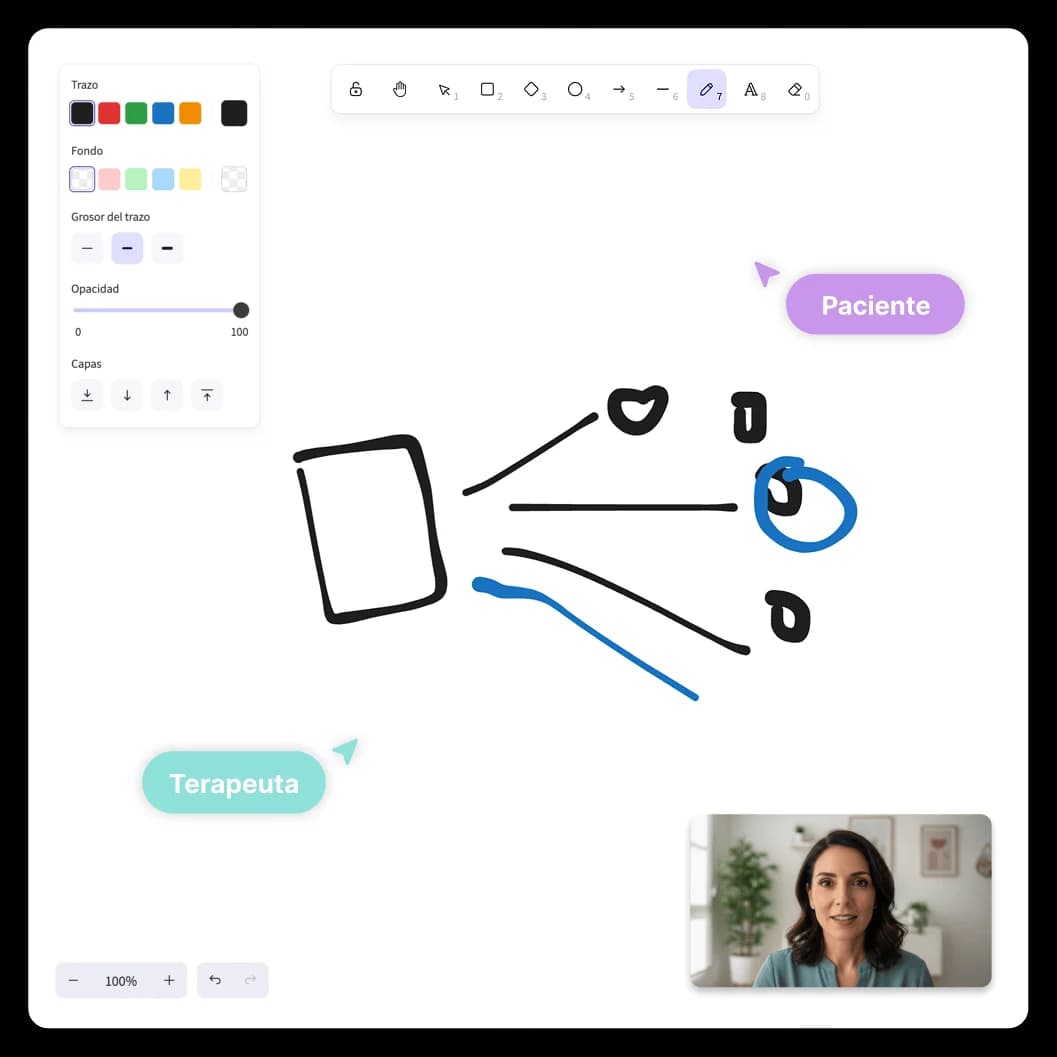
Collaborative canvas
Psychoeducation and visual work over the video call
Open the shared canvas without leaving the session. Explain cognitive models, map body sensations, or let your patient express themselves visually. Two modes depending on what you need.
- Therapist mode: only you draw, your patient sees changes in real time.
- Collaborative mode: both draw simultaneously on the same canvas.
- Overlays the video call, no switching apps or losing eye contact.
Frequently asked questions about the platform
Beyond the session
Early access
Reserve your spot as a founding therapist. Priority access and exclusive conditions.
No spam. Only important updates about the launch. Privacy policy